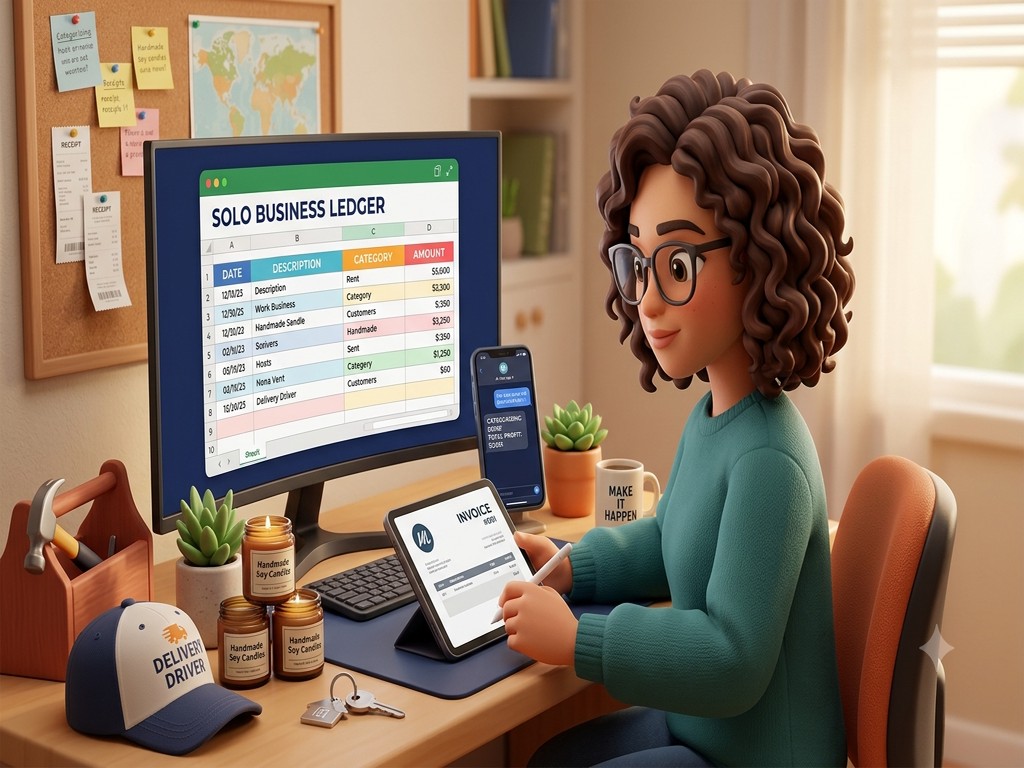
Free AI Bookkeeping for Solo Businesses
You just started your business. Maybe you're cleaning houses, doing handyman jobs, selling candles online, or driving deliveries on weekends. Money's coming in — but you're not exactly sure where it's going. You know you should be tracking things, but QuickBooks is $30 a month and FreshBooks is $17. That's real money when you made $800 last week.
Here's the thing: bookkeeping software isn't bad. It's built for businesses that have grown into it. But if you're early-stage, solo, and watching every dollar — you don't need it yet. You need a system that costs nothing and takes 10 minutes a month.
That system is a free AI tool and one spreadsheet.
What You Actually Need to Track Right Now
Forget everything you've heard about "accounts receivable" and "chart of accounts." At your stage, bookkeeping means three things:
- What came in (income)
- What went out (expenses)
- What category each expense falls into (so taxes don't destroy you)
That's it. You're not running payroll. You don't have inventory. You don't need a balance sheet. You need to know how much you made, how much you spent, and roughly what you'll owe the government.
The Free Setup
Open Google Sheets (or Excel — whatever you have). Create one sheet with four columns:
- Date
- Description
- Category (income, supplies, gas, tools, software, food, advertising)
- Amount (positive for money in, negative for money out)
That's your bookkeeping system. It's not fancy. It doesn't need to be.
Now pair it with any free AI tool — ChatGPT, Gemini, Claude. The AI does the categorizing. The spreadsheet does the math. Use =SUM() for your totals — don't ask the AI to add up numbers for you. It's great at reading and sorting, but it makes mistakes with arithmetic on long lists.
The Monthly Prompt
Once a month, download your bank statement or copy your transactions. Before you paste anything into AI, remove your account number and any sensitive personal details from the top of the statement. The AI only needs the rows — dates, descriptions, and amounts.
Paste them into ChatGPT or Gemini with something like this:
"Here are my business transactions for June. Categorize each one as income, supplies, gas/travel, tools/equipment, software, advertising, or other. Format them as a table with columns: Date, Description, Category, Amount."
The AI reads your transactions and assigns categories. You review it, fix anything that looks wrong, and paste the categorized list into your spreadsheet. Let Google Sheets handle the totals with =SUM() — that's what spreadsheets are built for.
Ten minutes. Done for the month.
You're not learning accounting software. You're not watching tutorials. You're just asking a question and getting an answer. Over time, you'll start to see patterns — which months are slow, where your money actually goes, whether that $50 subscription is worth keeping.
Don't Get Surprised by Taxes
This is where most new solopreneurs get burned. You make $40,000 your first year, spend most of it, then find out you owe $6,000 in self-employment tax that nobody warned you about.
Self-employment tax is 15.3% on top of your income tax. It pays for Social Security and Medicare. Every full-time employee pays it too — their employer just covers half. You don't have an employer, so you pay both halves.
Every quarter, ask your AI:
"I made $_ this quarter and my business expenses were $___. I'm self-employed, filing single, no other income. Estimate my quarterly tax payment including self-employment tax."
It won't be perfect — tax situations vary — but it gets you in the ballpark. Set that money aside in a savings account. When each deadline comes, you're not scrambling.
The quarterly deadlines are April 15, June 15, September 15, and January 15. Miss them and you might owe penalties.
Invoicing Without Software
When you finish a job and need to bill someone, you don't need an invoicing app. Tell the AI:
"Create a professional invoice. My business name is [name], phone [number]. Client: [name]. Job: [description]. Amount: $[amount]. Date completed: [date]. Payment due in 14 days."
Copy the output into a Google Doc, save as PDF, send it. Clean, professional, free. You can do the same for estimates and receipts.
When You're Ready to Upgrade
This setup works great at the early stage. But you'll outgrow it eventually — and that's a good sign. You'll know it's time for real software when:
- You're hiring subcontractors and need to track payments to them
- You're invoicing more than 15-20 clients a month and losing track
- Your revenue passes $75,000-$100,000 and the tax situation gets complex
- You need to accept online payments through your invoices
When that day comes, QuickBooks or Wave or FreshBooks will be worth every penny. You'll understand exactly what you need from them because you've been doing it manually. You won't be paying for features you don't use.
But right now? Right now you need to know where your money goes, set aside enough for taxes, and send clean invoices. A free AI tool and a spreadsheet handle all three. Start this month — ten minutes is all it takes.